InstantlyPagesJoin the waitlist

Owner guide

GBP mistakes dental clinics make

Most patients pick a dentist before they ever call. They search, skim the map pack, glance at a few listings, and decide. Your Google Business Profile sits in that skim. If it looks neglected, they move on. Your website never gets the click.

This is not a lecture on “local SEO for dentists” as a buzzword. It is a walk through five listing mistakes we see on independent clinics, why each one costs bookings, what good looks like, and a fix you can finish this week.

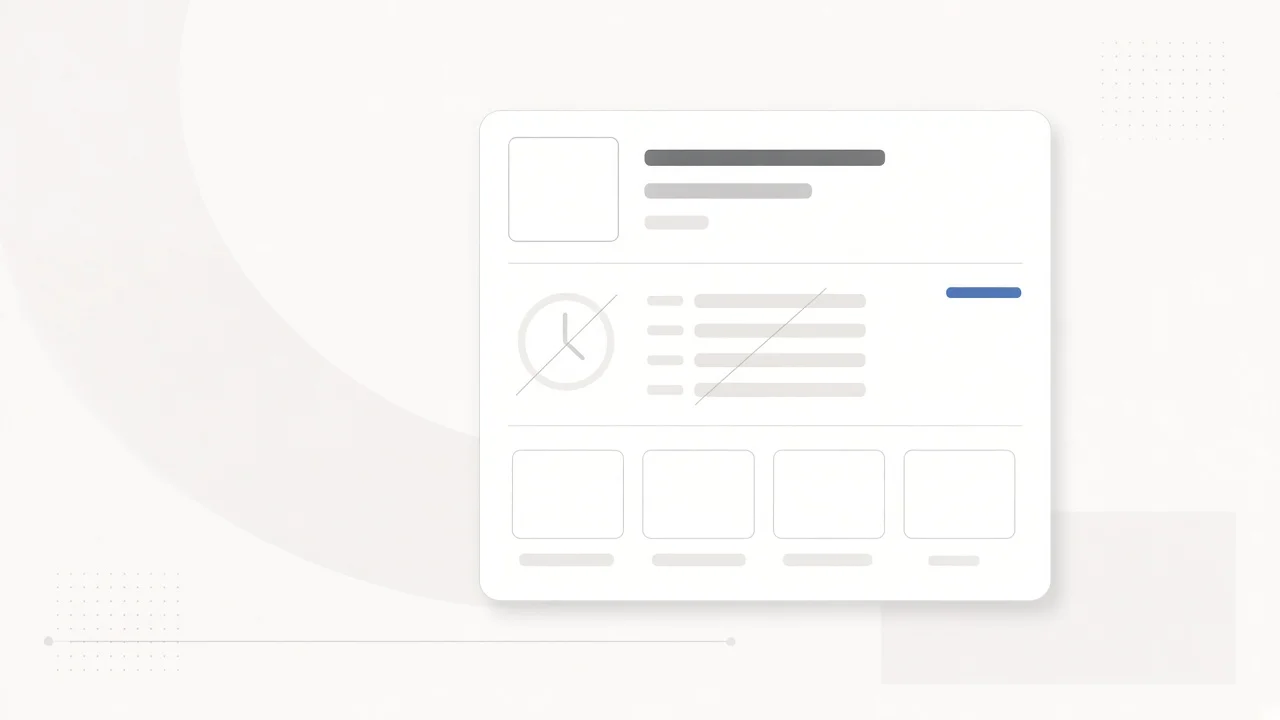
Diagram of an outdated Google Business Profile for a dental clinic

1. You filled it in once and never touched it again

Why it hurts

Hours drift. Festival weeks come and go. A hygienist leaves. The listing still shows last year’s truth. Patients who arrive to a locked door, or call outside the hours you printed online, do not give you a second chance. Google also prefers profiles that change when the clinic changes.

What good looks like

The hours on GBP match the hours on the door, including holidays. Services and the short description match what you actually book. One person owns a monthly check. After any schedule change, the listing updates the same day.

Fix

Put a recurring 30-minute block on the calendar. Owner or front desk: hours, services, description, photos. Treat GBP like a room you walk through once a month, not a form you submitted in 2019.
2. Categories and services are vague, missing, or written for staff

Why it hurts

People search the way they talk: root canal near me, braces, wisdom tooth. If your primary category is wrong, or your services list is empty, or it only uses internal labels nobody types into Google, you disappear for the queries that fill the chair.

What good looks like

One accurate primary category. Secondary categories that fit what you really do. A services list in patient language, not clinic shorthand.

Fix

Write every bookable service the way a patient would ask for it. Delete what you no longer offer. When you add a specialty or a new doctor, revisit the list the same week.

Dental clinic Google Business Profile missing categories and services

3. Doctors and specialisms are blank

Why it hurts

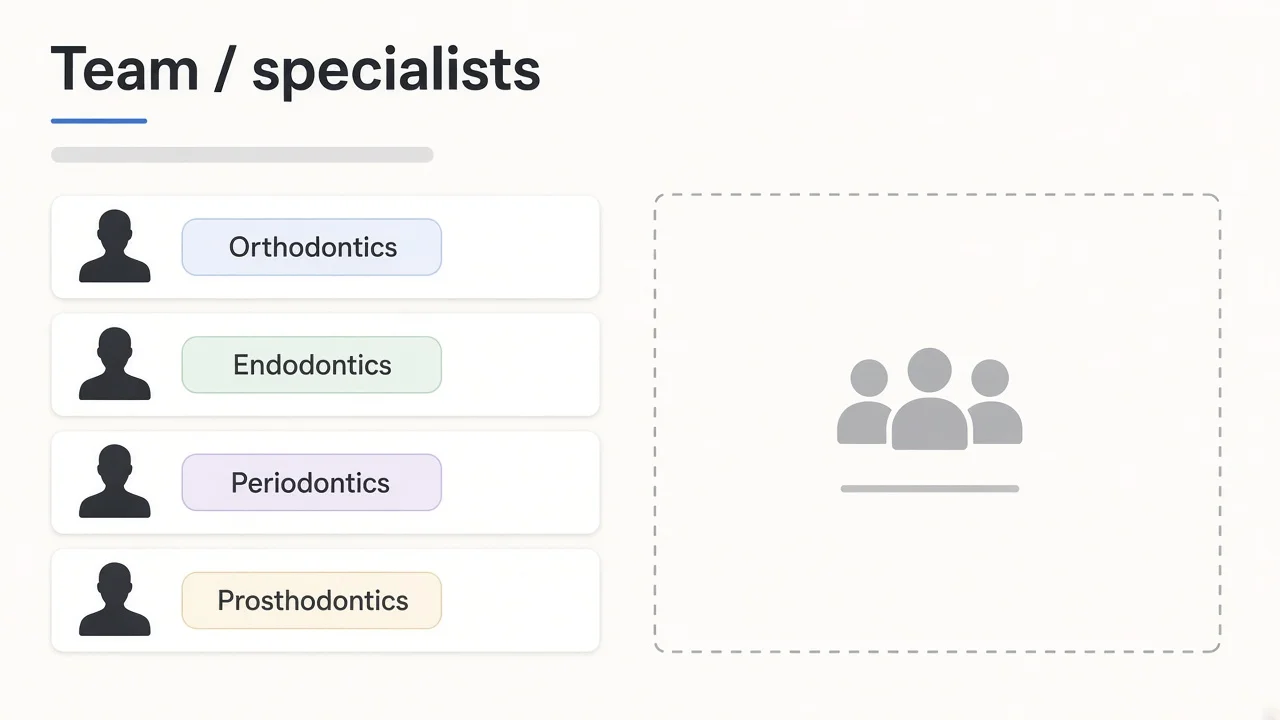
Clinics are people. A listing with no names feels like a shell next to the practice down the road that shows who you will meet. Trust drops before anyone opens your dentist website.

What good looks like

Each doctor named. Specialism clear. Tone consistent with how you present the clinic elsewhere. Names match the site so nothing contradicts.

Fix

Add every doctor with a short specialism line. Mirror the same names on the website. When someone joins or leaves, update both places together.

Google Business Profile showing doctors and specialisms for a dental practice

4. Photos are an afterthought

Why it hurts

Patients decide from pictures. An empty gallery, three blurry shots from 2018, or generic stock that could be any clinic in any city all say the same thing: nobody is tending this place.

What good looks like

A clear exterior. A few honest interiors. Team if you are comfortable. Treatment areas that look like the rooms people will sit in. Fresh enough that a returning patient would recognize the space. Real photos of your clinic, not rented faces pretending to be yours.

Fix

Shoot eight to twelve photos this month on a phone in good light. Upload the strongest five now. Add one new photo each month. Skip stock that fakes a client relationship you do not have.

5. The listing is fine. Everything after it is not.

Why it hurts

A polished GBP still fails if the site is slow, thin, or has no way to book. Visibility only pays when the next step is obvious. Mismatched hours between listing and site train patients to distrust both.

What good looks like

GBP leads to a dentist website that loads, explains who you are, and offers book or call within two taps. Hours and services match across both.

Fix

Open your own listing on your phone. Follow the path a stranger would. Fix broken links, mismatched hours, and missing book or call buttons before you spend more on ads.

How to audit yours in ten minutes

  1. Search your clinic name and area on Google, phone and desktop.
  2. Read hours, categories, services, doctors. Note anything wrong or empty.
  3. Open three nearby competitor listings. Where do they look more complete?
  4. Tap through to your site from the listing. Can someone book or call in two taps?
  5. Write a short gap list: hours, categories, services, doctors, photos, site path.

That list is your order of work for the week. If you want a structured read of GBP and website against nearby clinics, InstantlyPages has a free visibility scorecard.

What to do next

Close the gaps on the listing. Keep services, doctors, hours, and tone accurate so the site and patient messages can share the same facts.